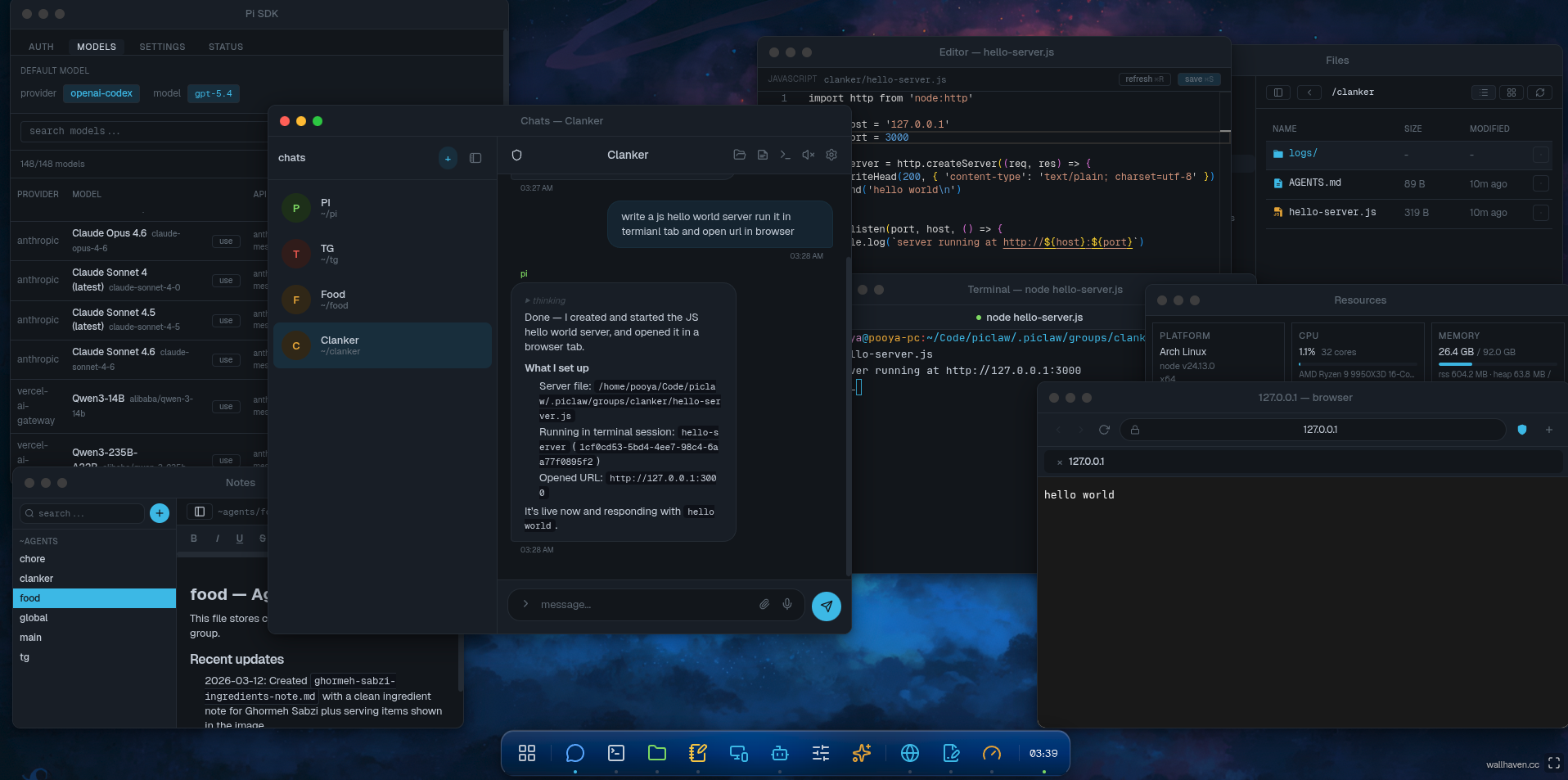
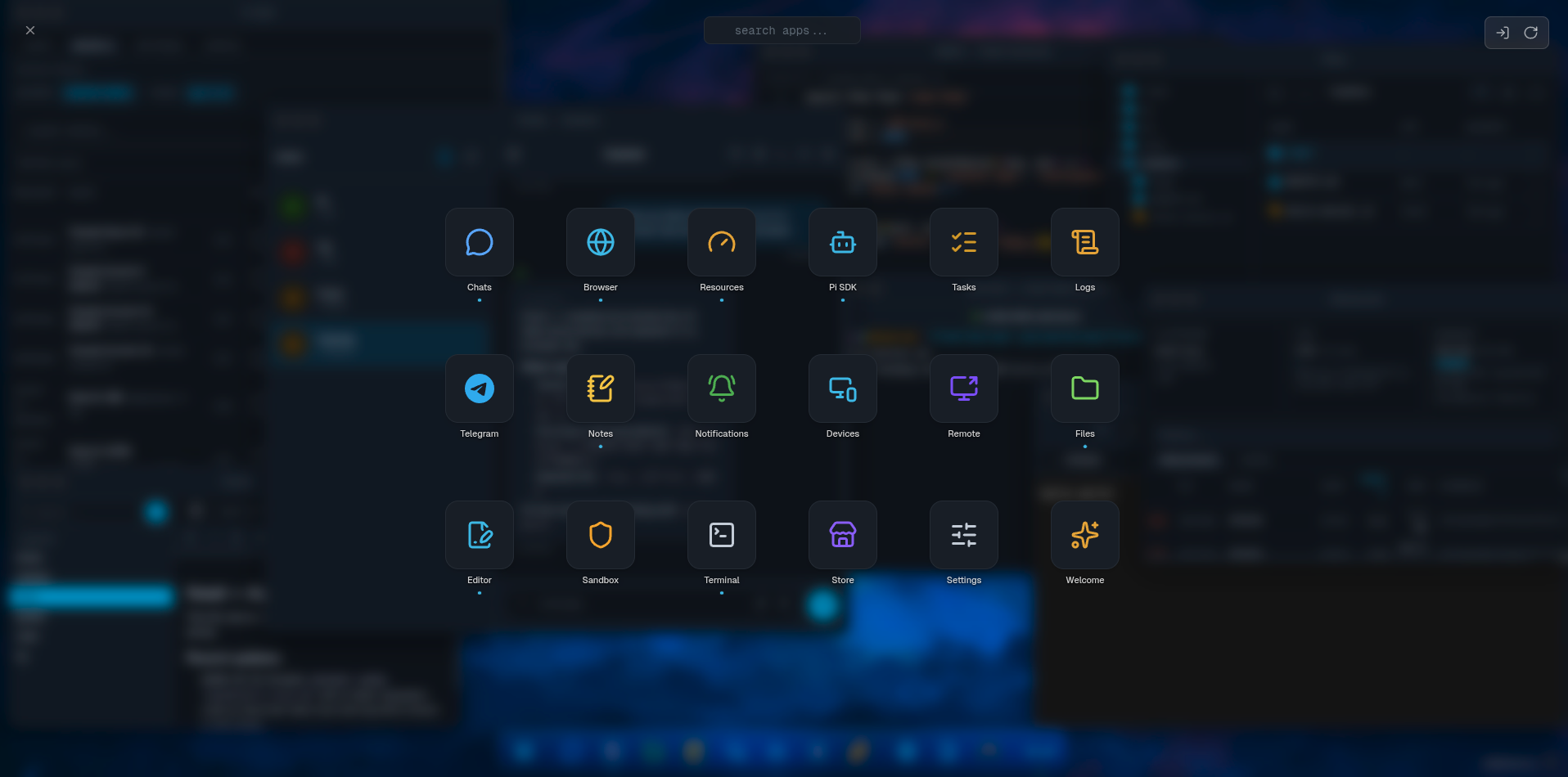
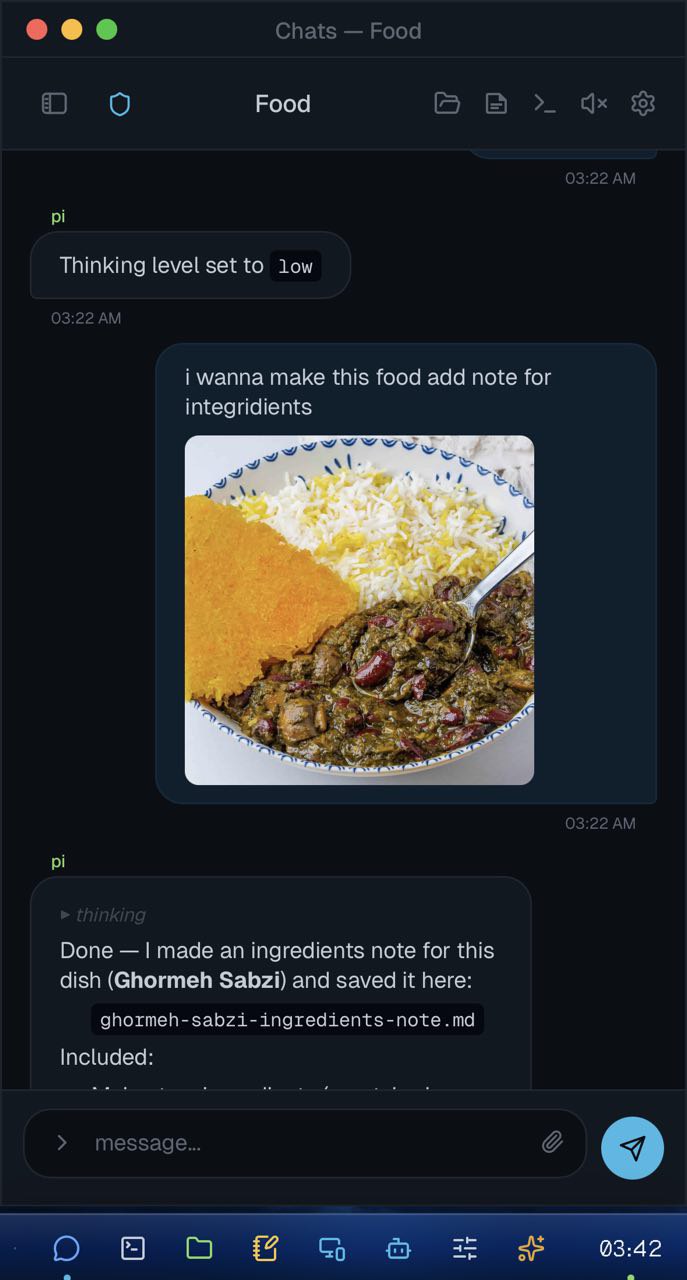
desktop ui
multi-window system with launcher, taskbar, and mobile-friendly layout. optional pwa
install.
multi-chat
each chat gets its own agent session, workspace, persisted memory, model, and thinking
settings.
agent controls
20+ providers. per-chat model selection, thinking depth, context compaction, and
session commands.
streaming
token-by-token response streaming. live tool lifecycle events. crash-safe session
recovery.
files + editor
group-scoped file browser. built-in monaco editor and viewer. live file watching.
terminal
persistent pty sessions. survive window close/reopen. label sync and reconnect.
scheduler
one-time and recurring tasks. attach to chat groups. automated agent prompts.
channels
telegram bot integration. ntfy push notifications. adaptive streaming throttle.
theming
dark and light themes. wallpapers. density preferences. clean typography.
image attachments
send images via file picker, clipboard paste, or drag-and-drop. thumbnail previews.
telegram photo support.
agent personas
assign custom persona/role per group. soul field injected into system prompt for
tailored agent behavior.
inter-group messaging
agents can send messages to other groups. coordinate tasks across specialized agent
contexts.
agent tools
web search, browser tabs, notes, notifications, and terminal — all accessible to the
agent.
device auth
no-password device-based authentication. first device auto-approved. approve/revoke
from admin ui.
tunnel
expose piclaw via public url with one click. subdomain support. auto-reconnect on
boot.
resources
live cpu, memory, disk graphs. process list and port monitoring. manage from the
dashboard.
notes
markdown notes by category. persistent agent knowledge. browse, edit, and manage from
admin ui.
 Nitro
Nitro